
Features
From the first interval to the final result.
Explore Workout Timer’s training modes, presets, calendar and progress tools for iPhone and Apple Watch.
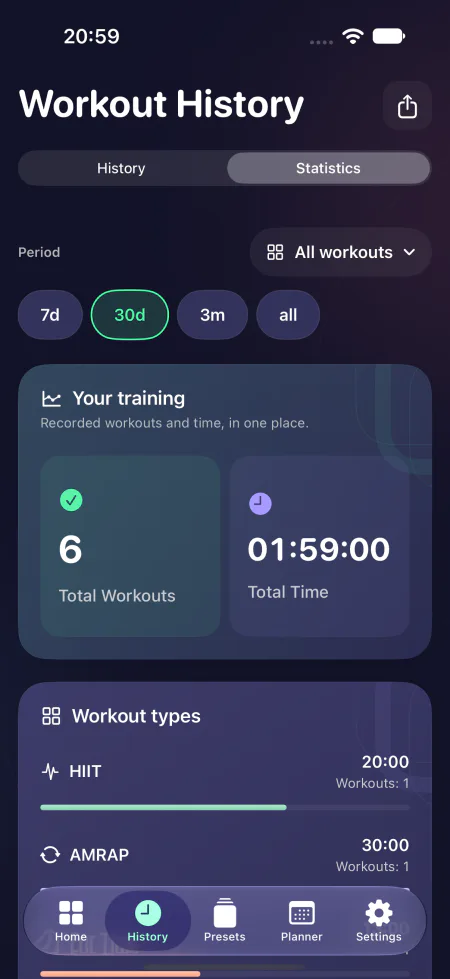
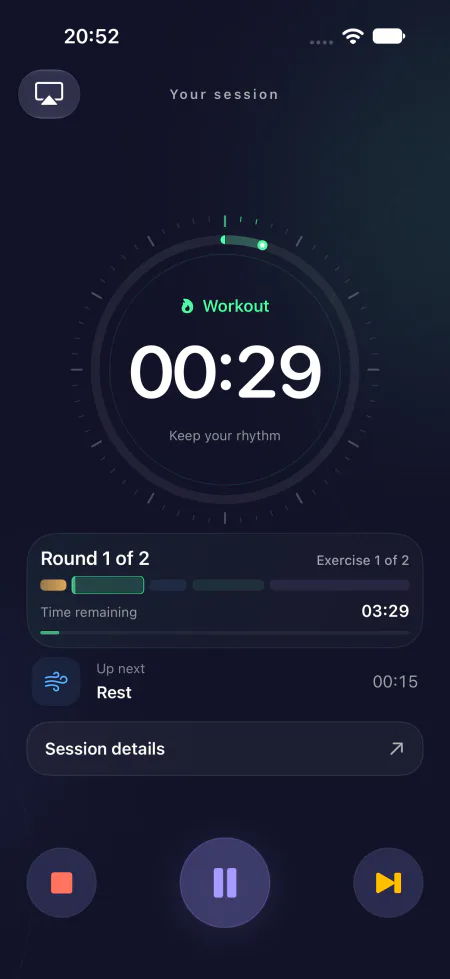
Original app screenshots in English. Workouts and values shown are examples.
01Timer
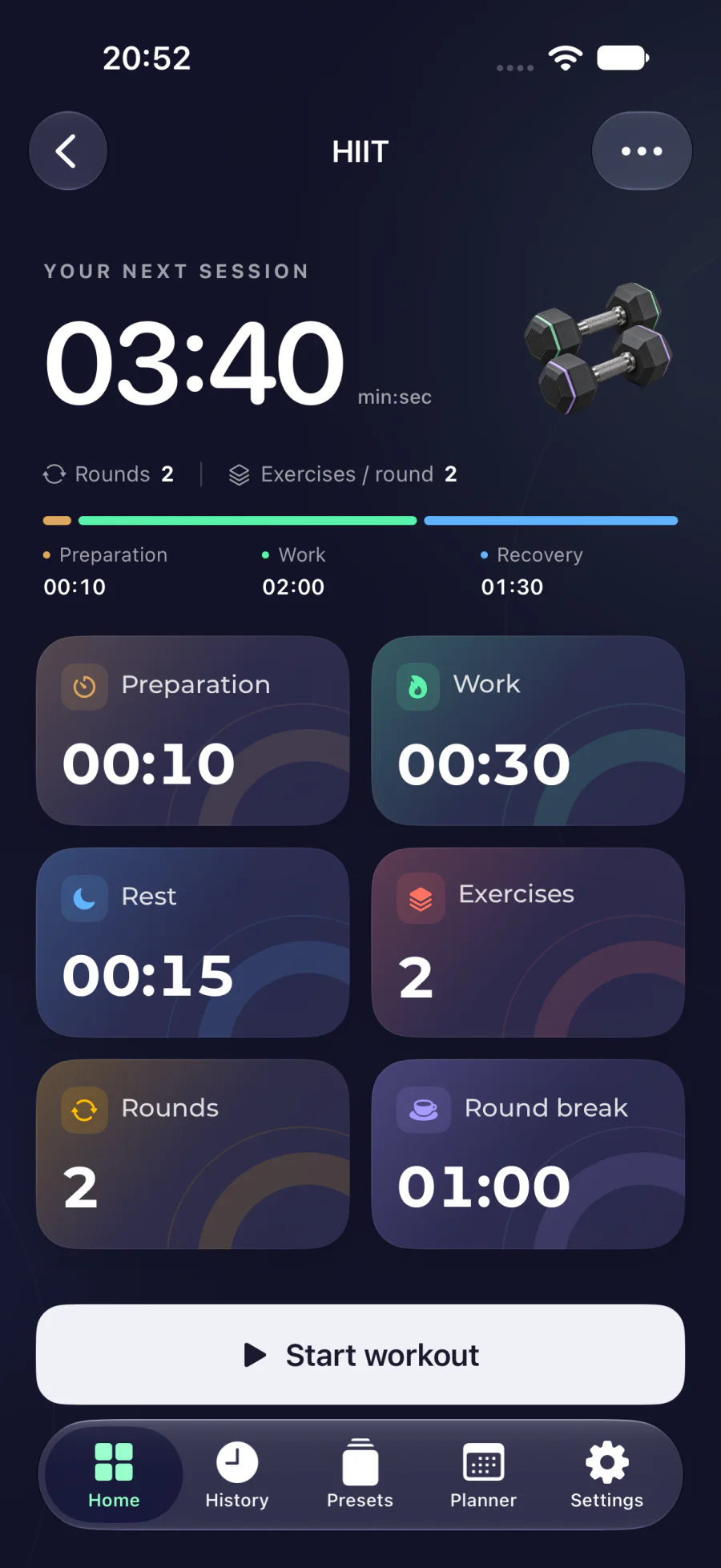
Find your rhythm
Set the warm-up, work and recovery times for your session. See what you’re doing now and what comes next. In AMRAP, log your rounds and correct the count as you go.
- HIIT, EMOM, AMRAP, For Time and Tabata
- Custom intervals and rounds
- Audio cues when phases change
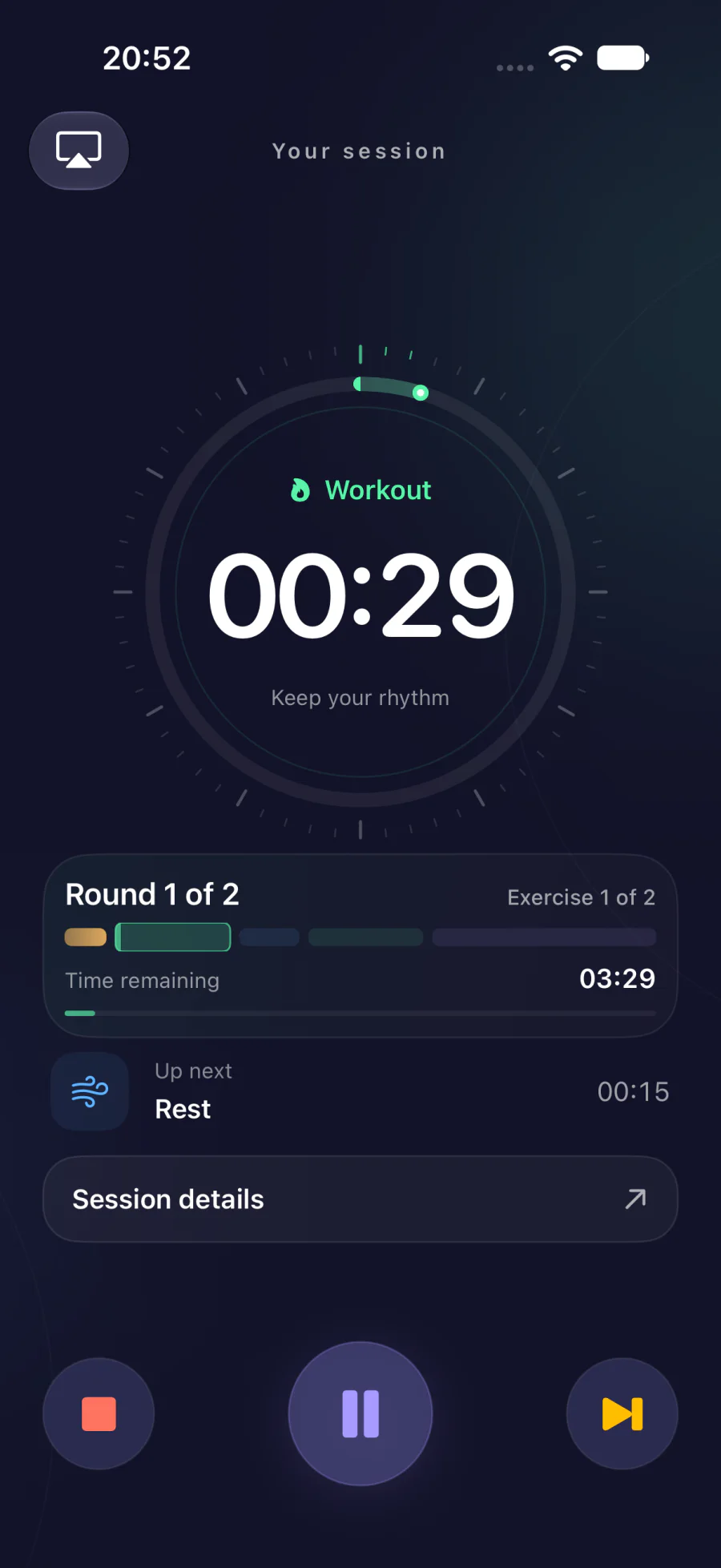
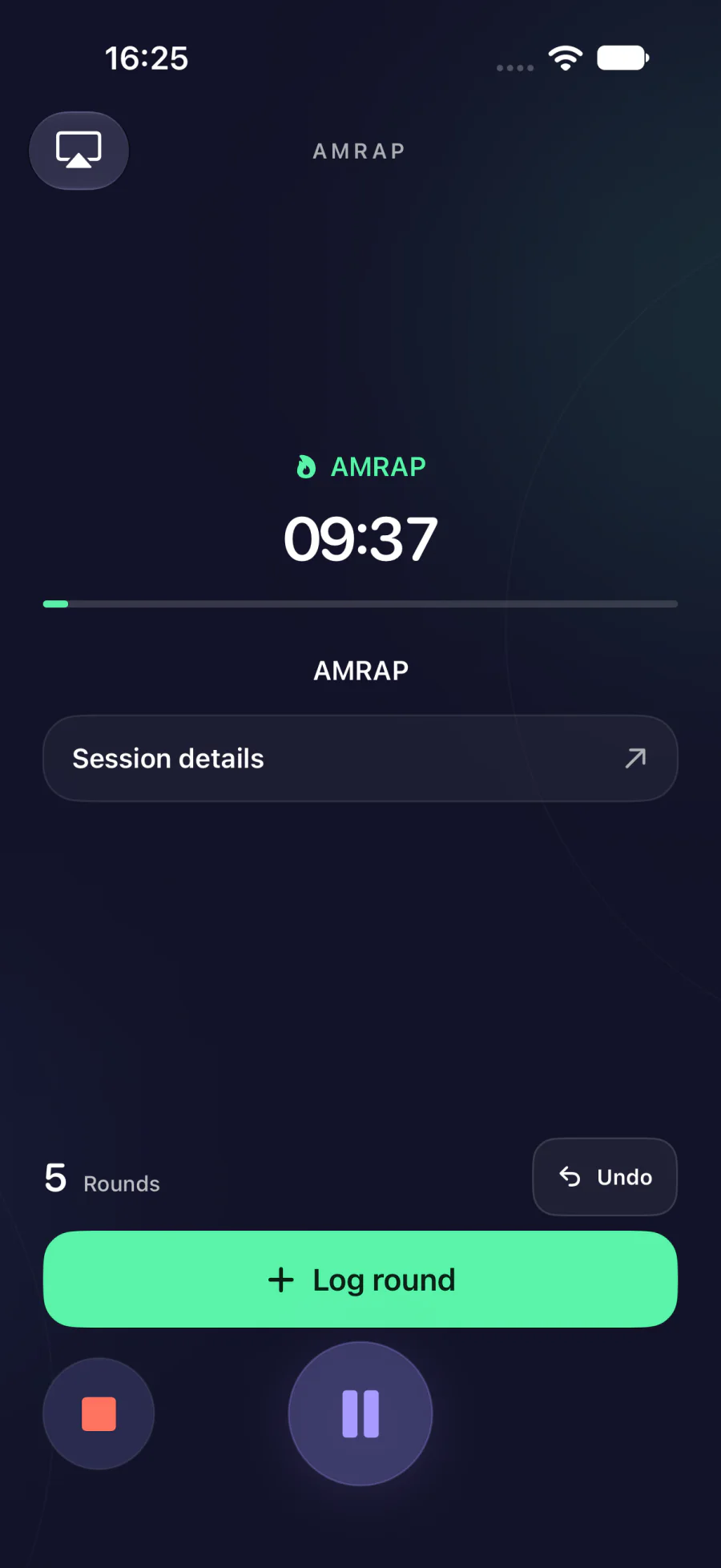
02Presets
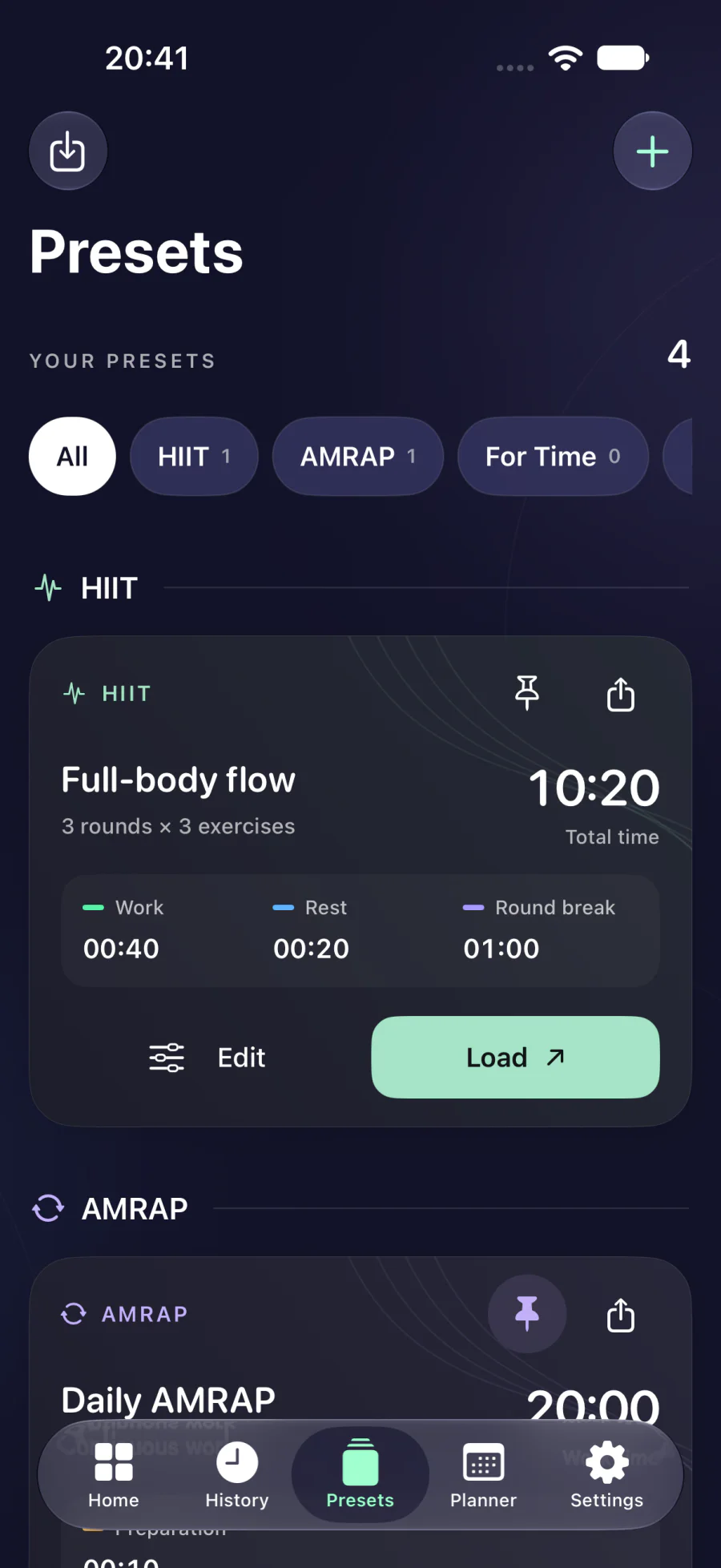
Keep your workouts handy
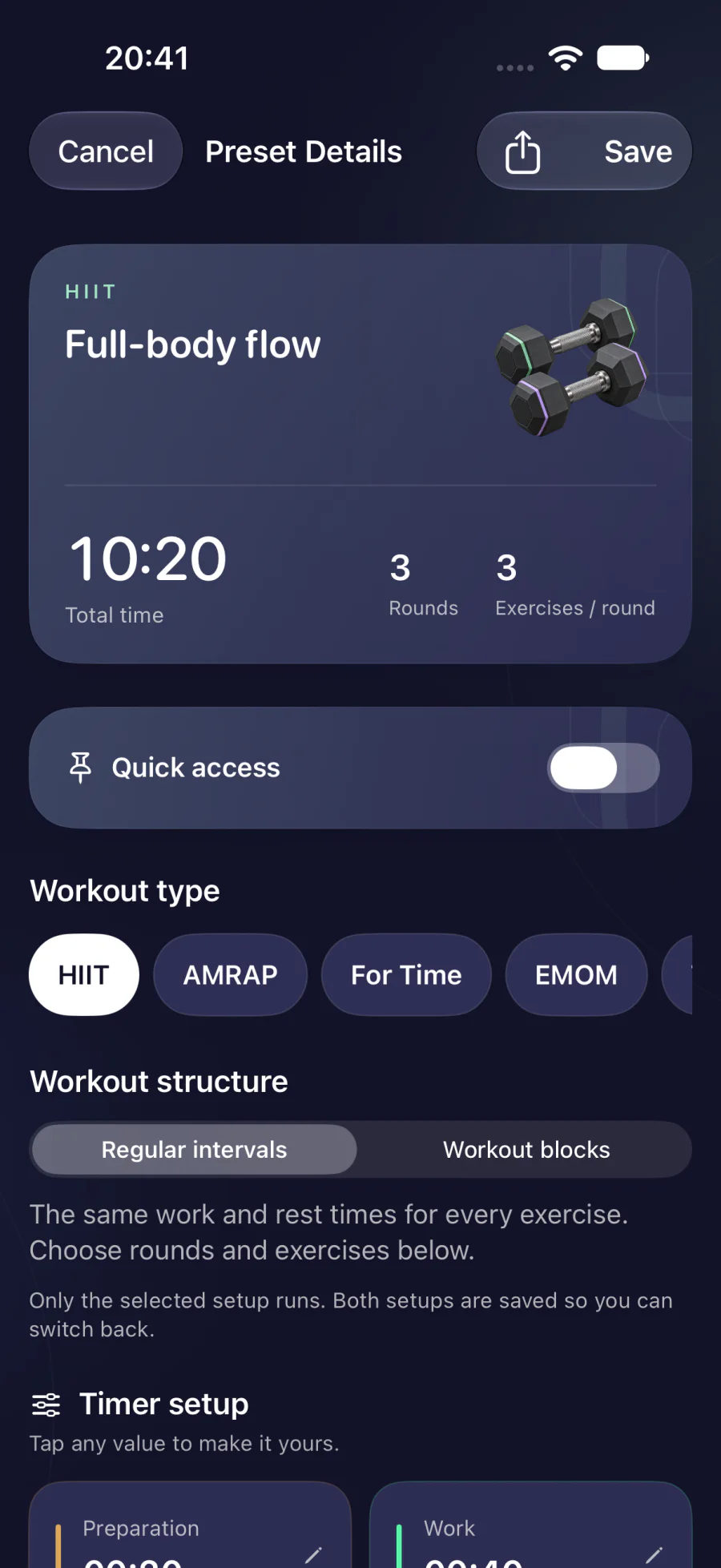
Save times, movements and training blocks as presets. Find them by workout type or through search, then adapt them for your next session.
- Assign movements to blocks
- Search and filter presets
- Import and export presets
03Planner
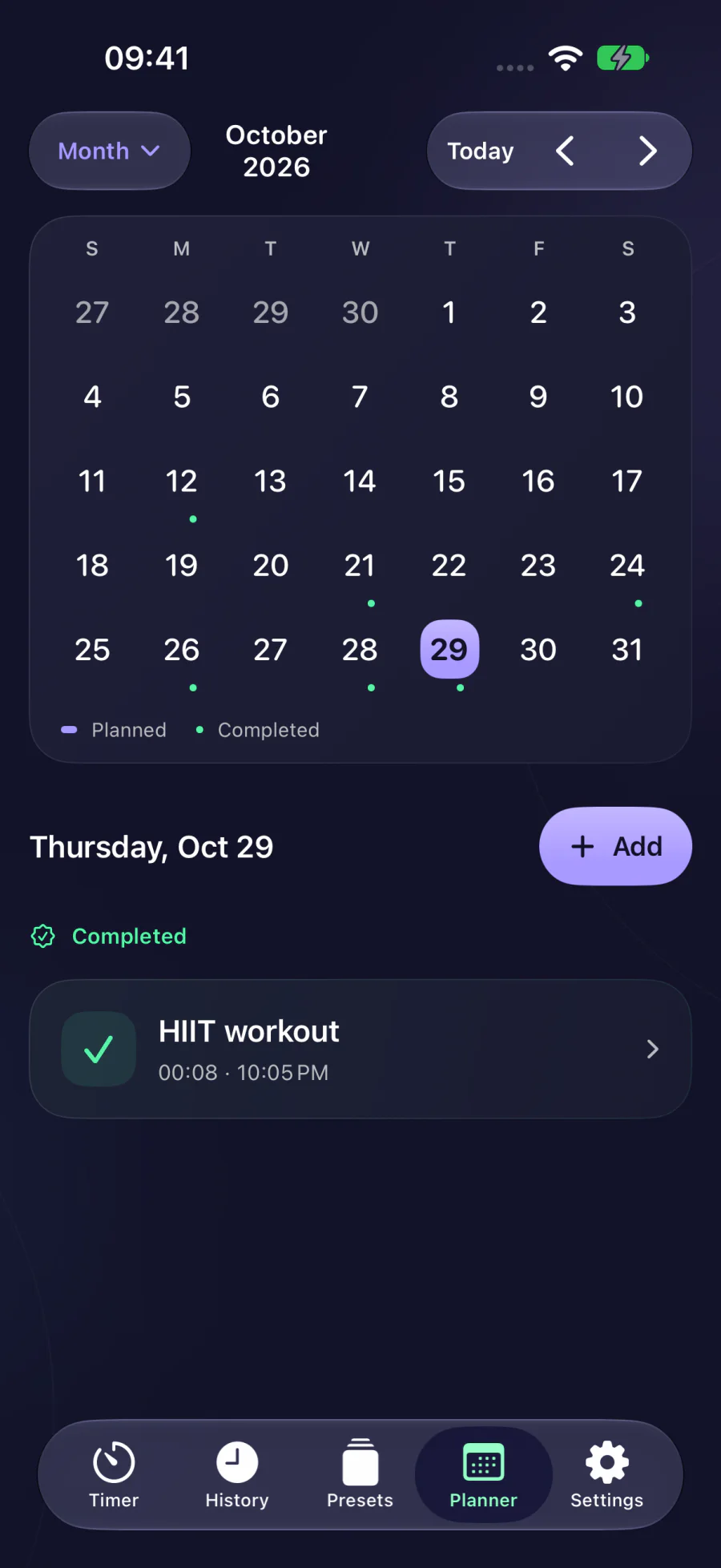
Make time for training
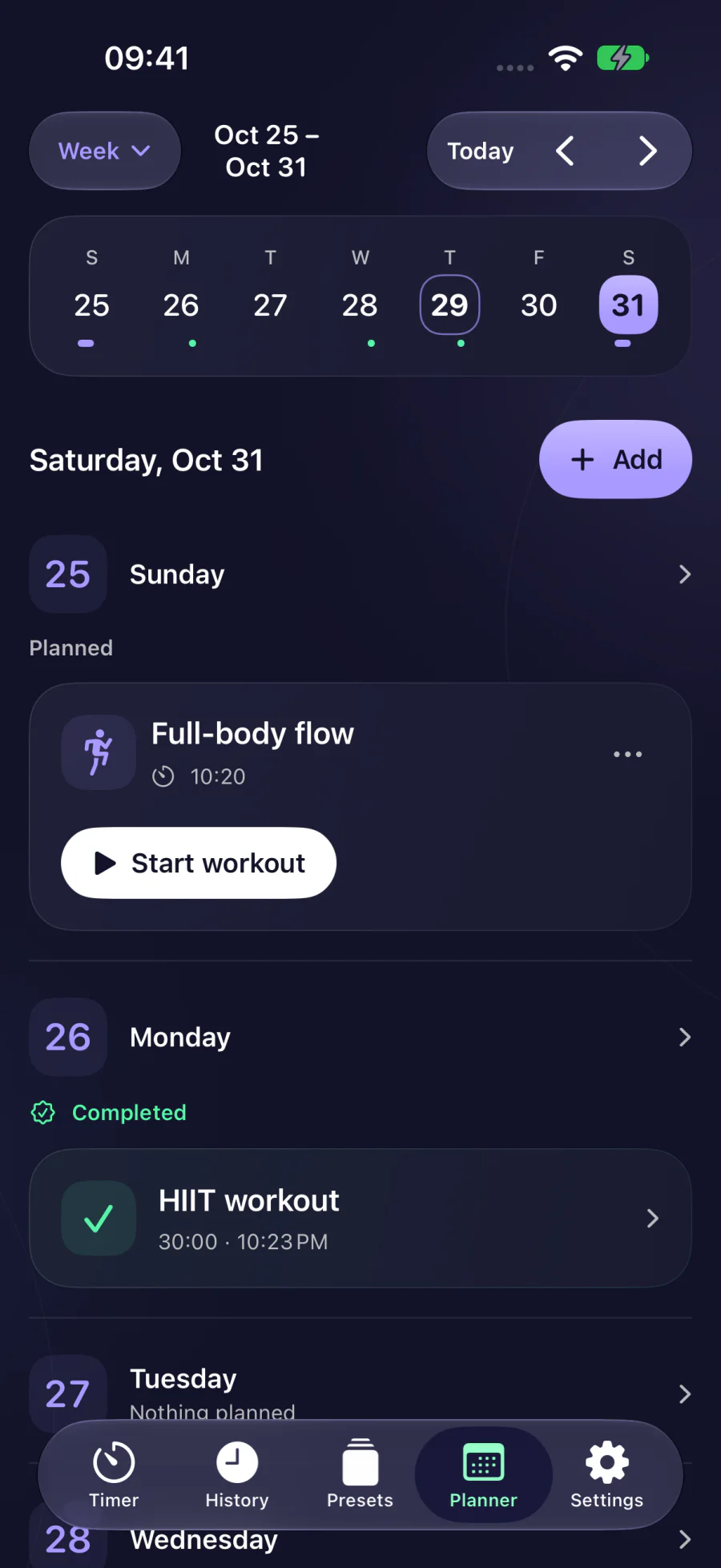
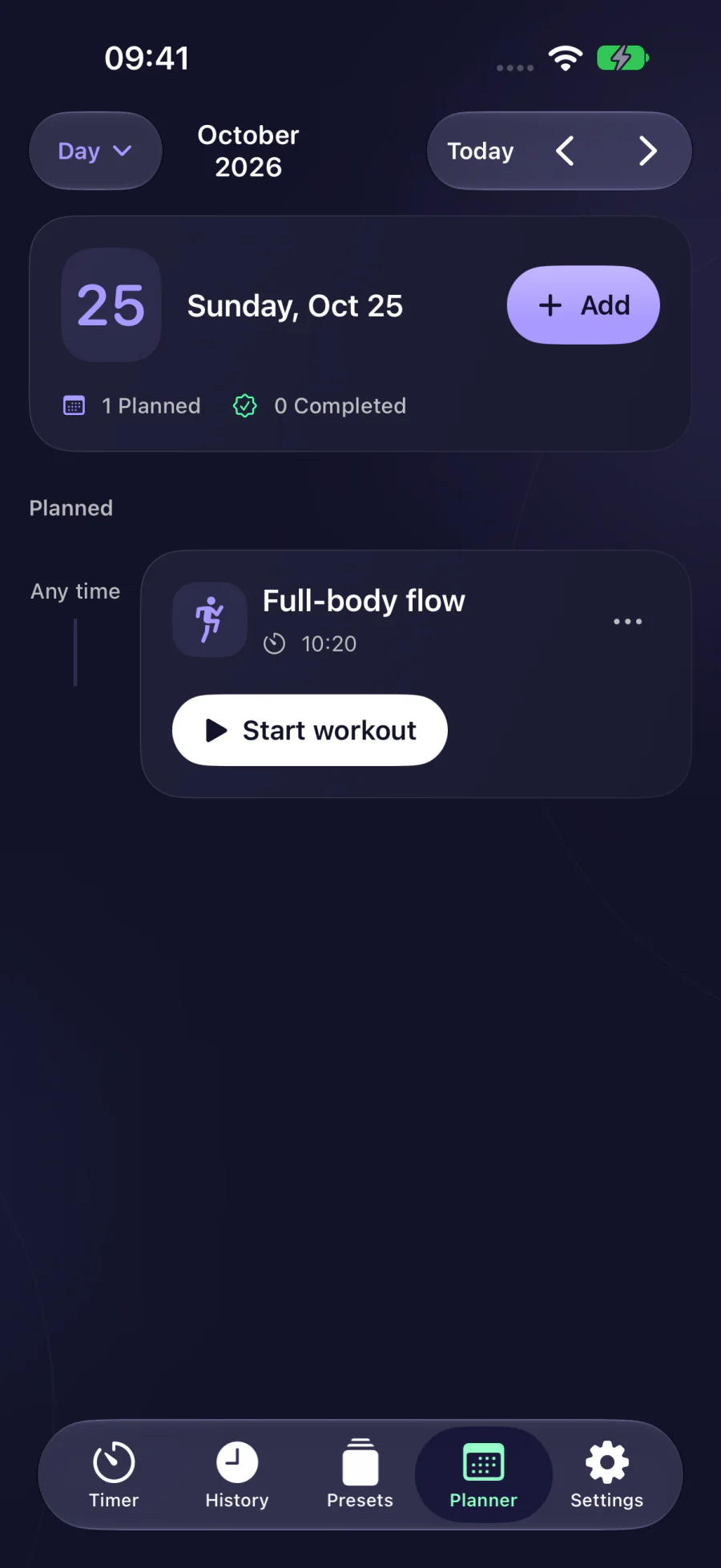
See what’s coming up and when. Assign a preset to a day and start it straight from the calendar.
- Day, week and month views
- Schedule workouts from presets
- Optional reminders
04History
Find past sessions
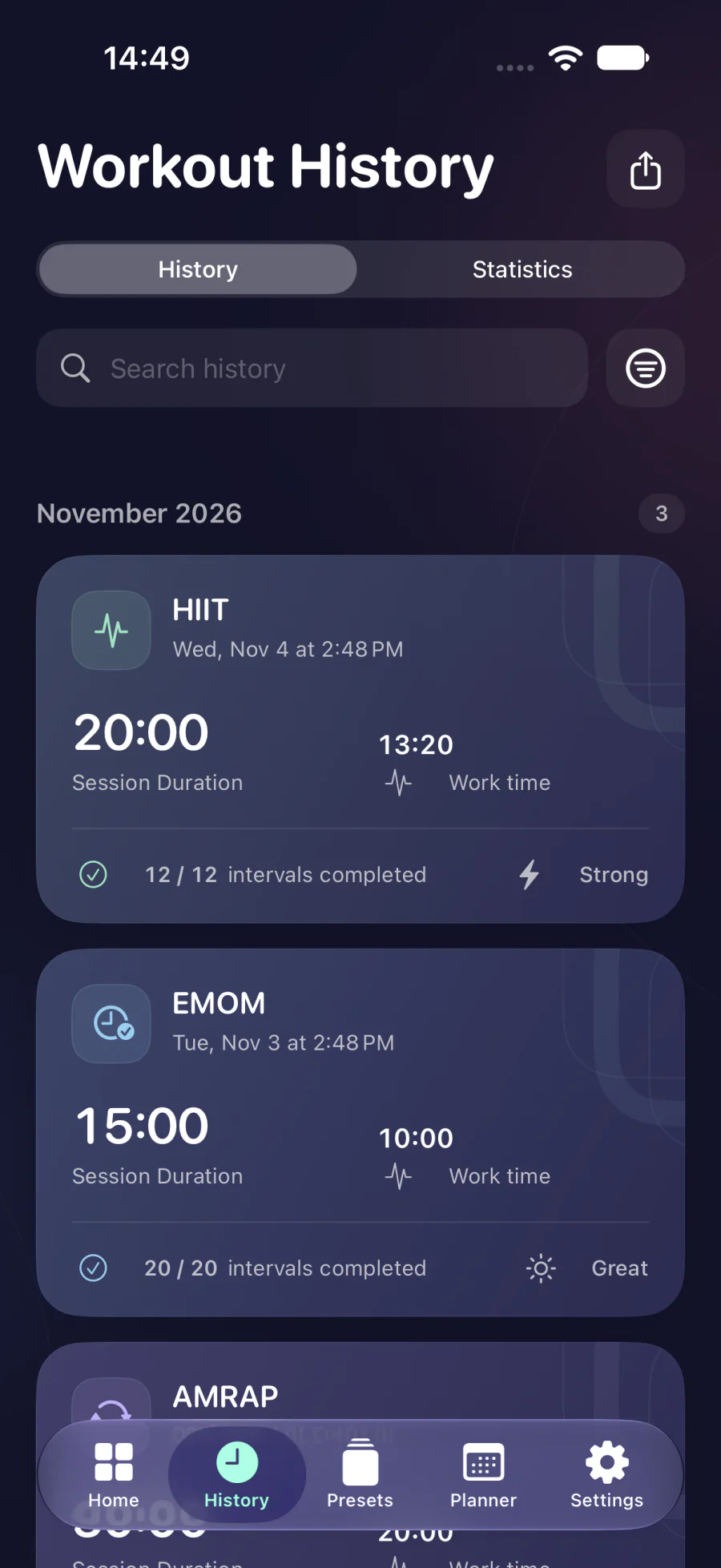
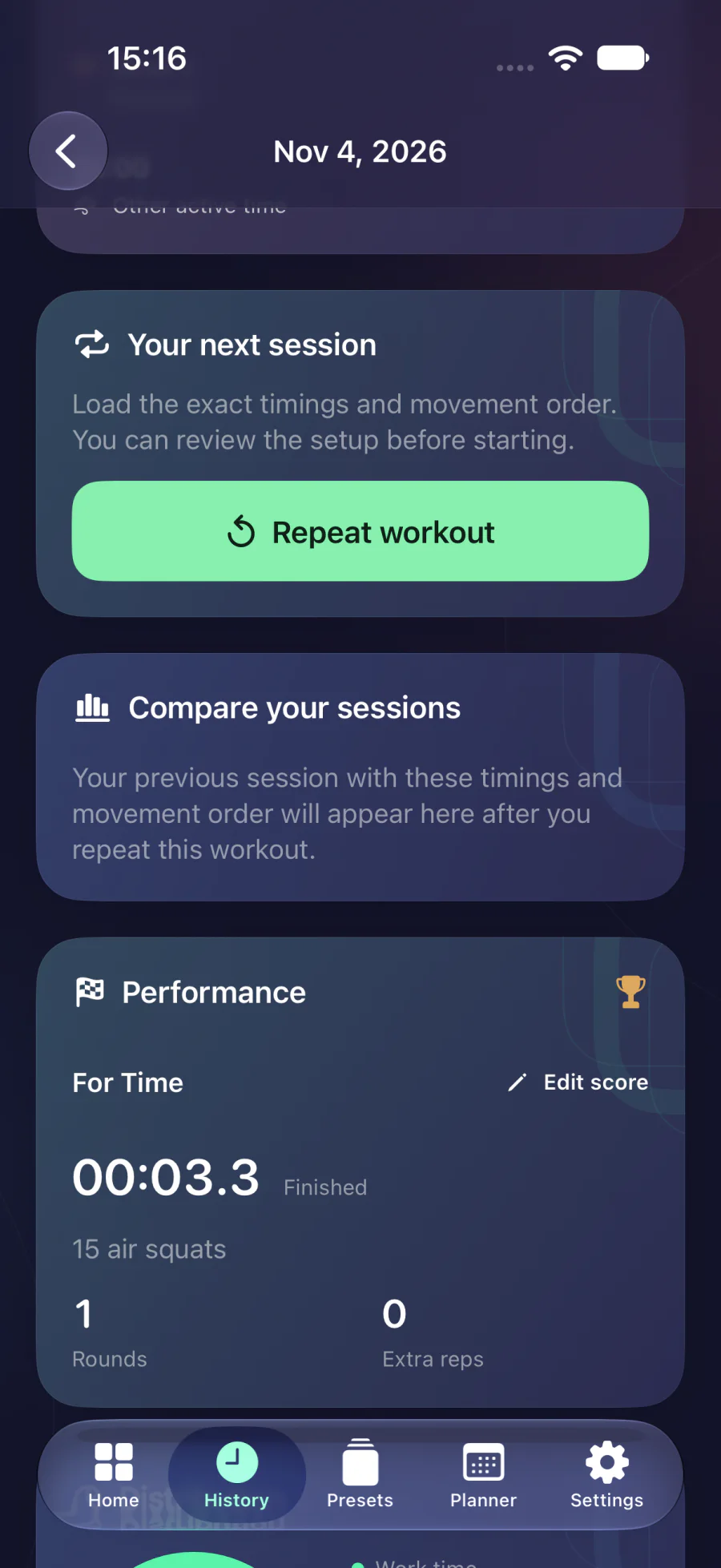
Search your completed workouts or filter by type and date range. Open a session to see its details and notes, or to repeat it.
- Search and filters
- Individual workout details
- CSV or PDF export
05Progress
See how your training changes
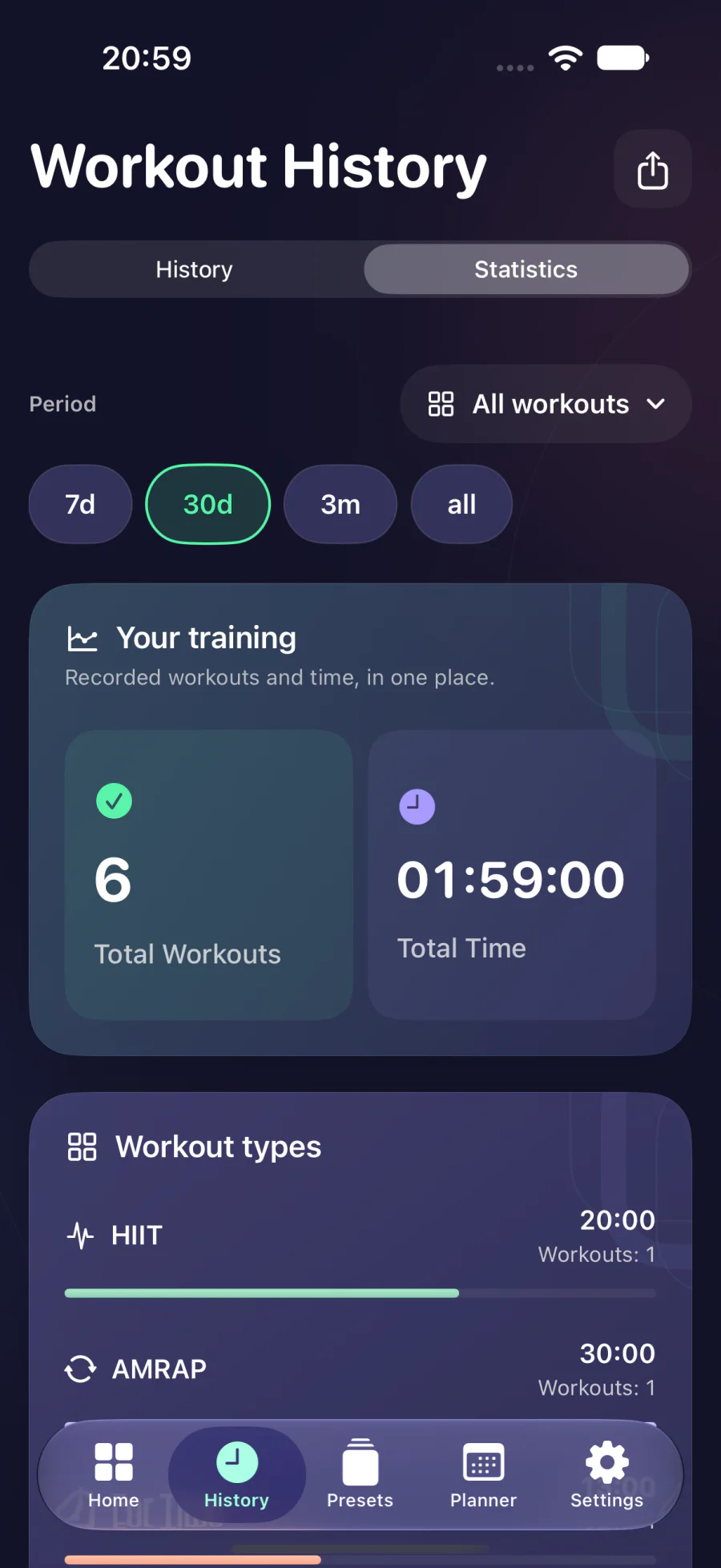
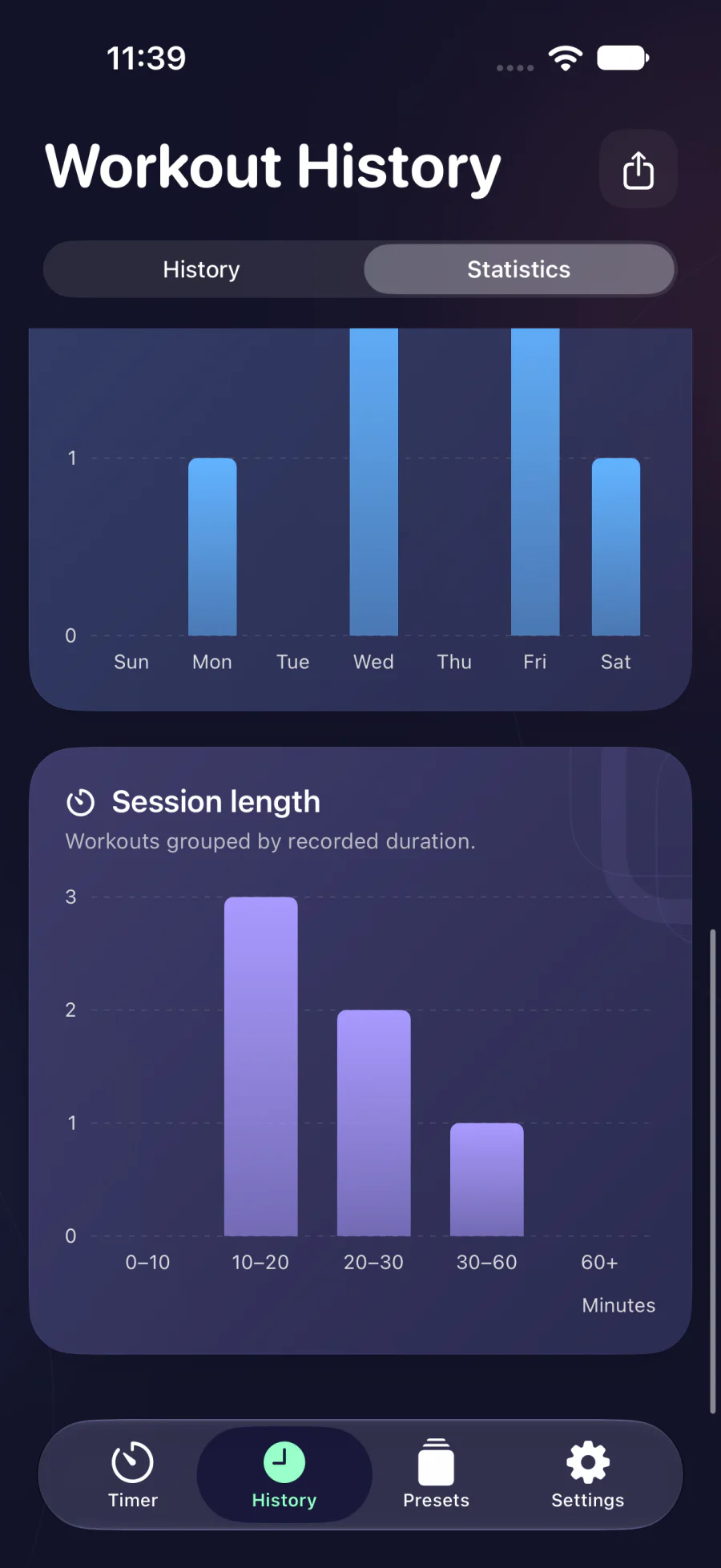
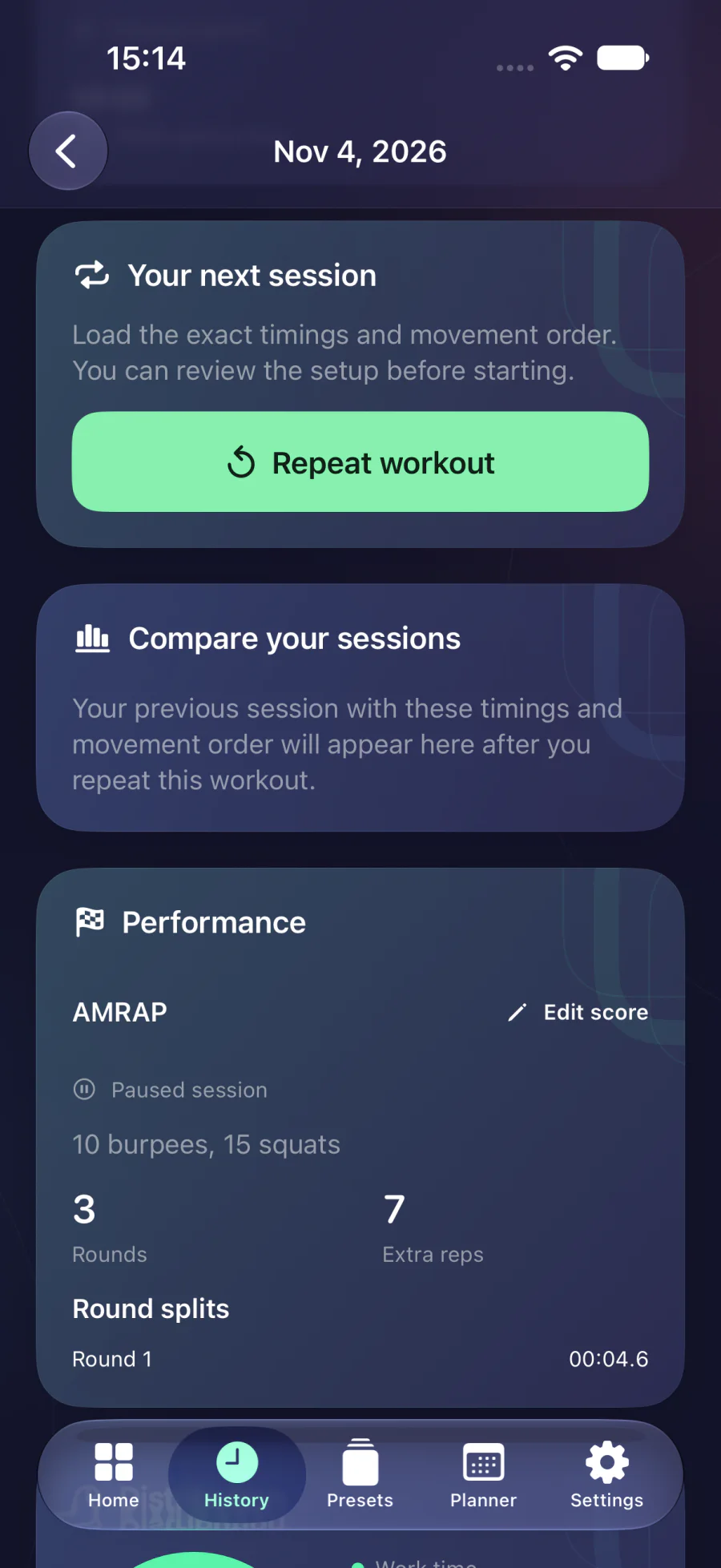
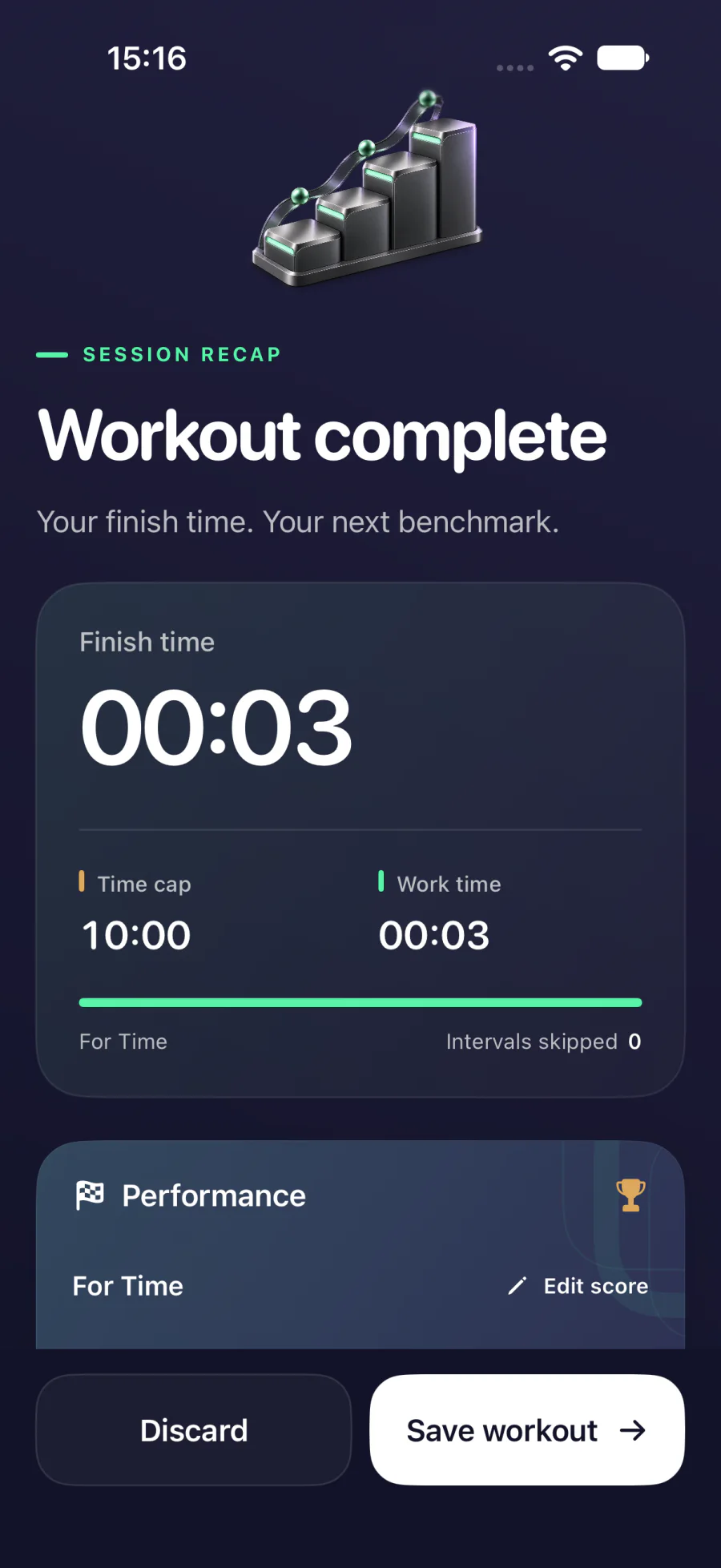
Charts show workout frequency and duration. Compare AMRAP rounds, reps and splits or For Time finishes when the workout prescription matches.
- Stats by time period and workout type
- Rounds, reps and splits
- Personal bests on comparable workouts
06Devices
Your timer on your screen
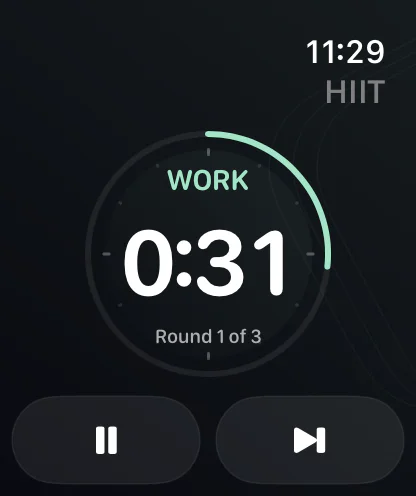
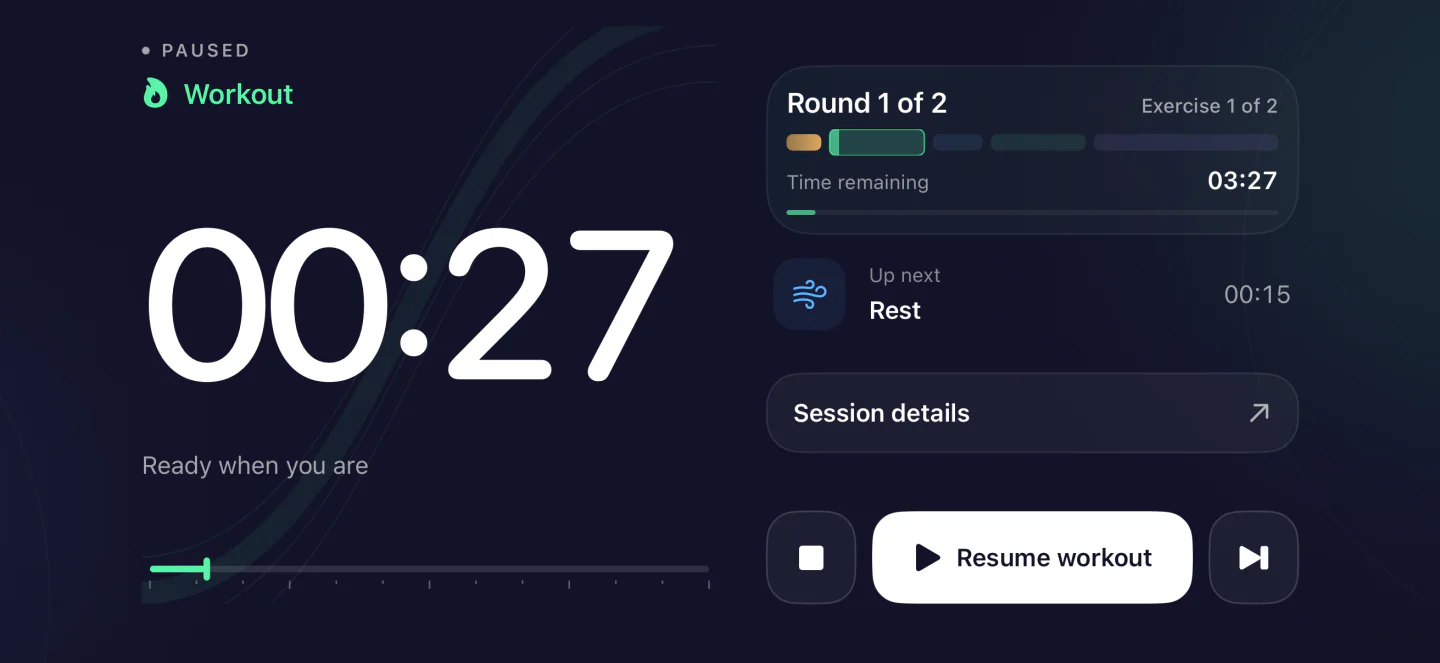
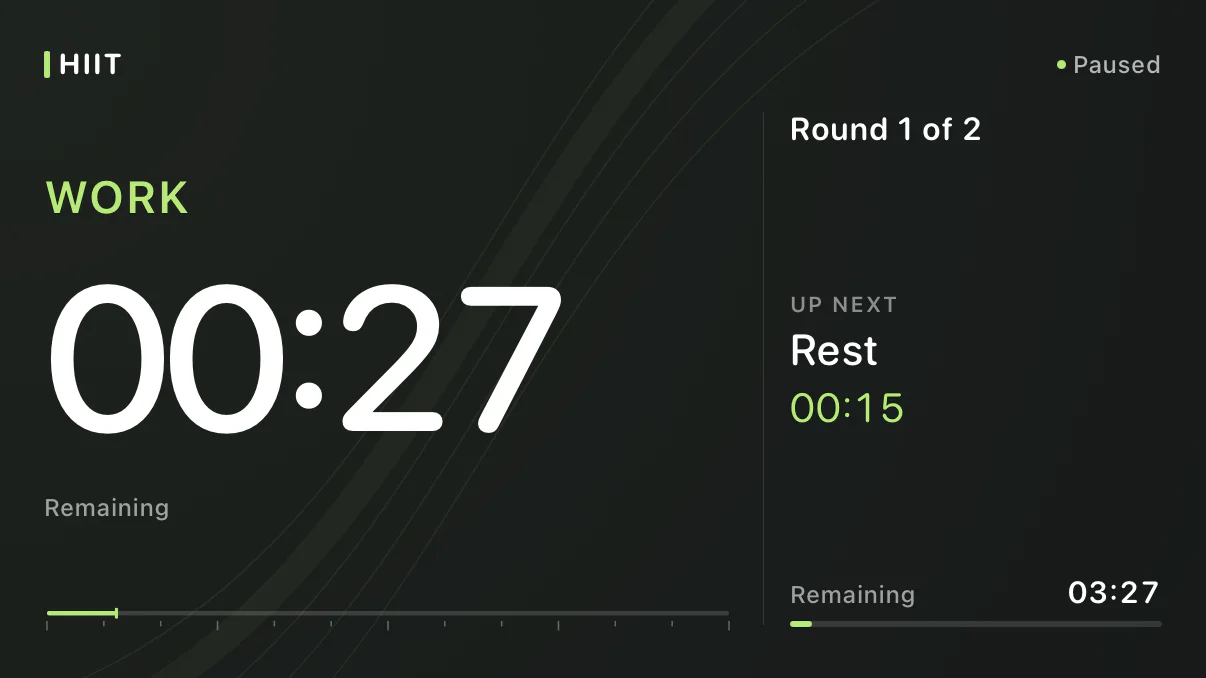
Control your workout from Apple Watch, turn the iPhone sideways or open a large timer display on a TV on your local network.
- Workout controls on Apple Watch
- Landscape mode on iPhone
- TV display in a browser
Some features are part of Full Access, including Apple Watch and Combine.