

HIIT
Alternate work and rest. Set your intervals, exercises and rounds.
 Workout Timer
Interval training on iPhone and Apple Watch
From the first countdown to the final round. Your timer for HIIT, EMOM, AMRAP and more.
The lights come on in a dark gym. Workout Timer appears on an iPhone, then training starts.
01 Timer modes
Choose the timer that fits your session, from short intervals to a workout with several blocks.
Alternate work and rest. Set your intervals, exercises and rounds.
Start a task every minute. Rest for the time left before the next minute.
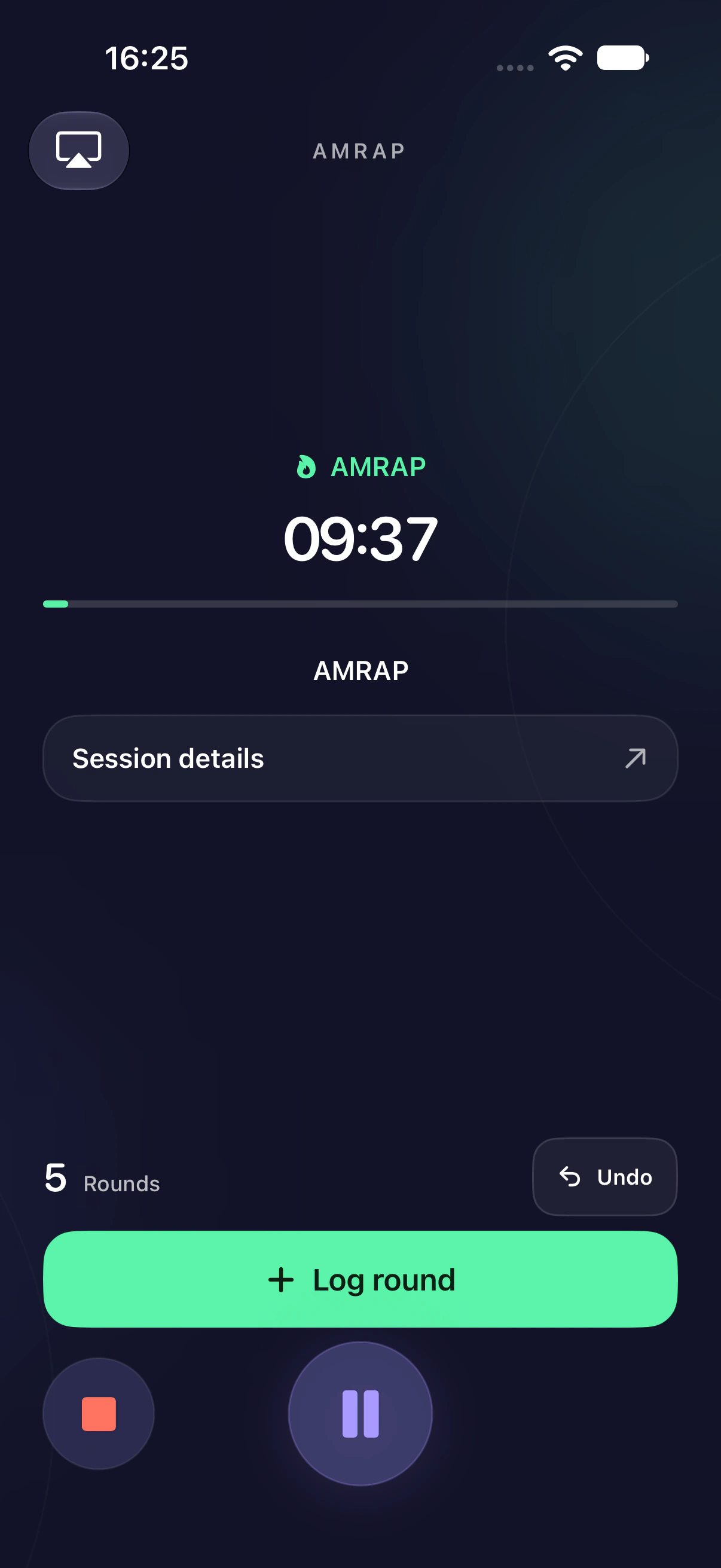
Complete as many rounds and reps as possible within a set time.
Finish your workout against the clock. The timer counts up until you finish.
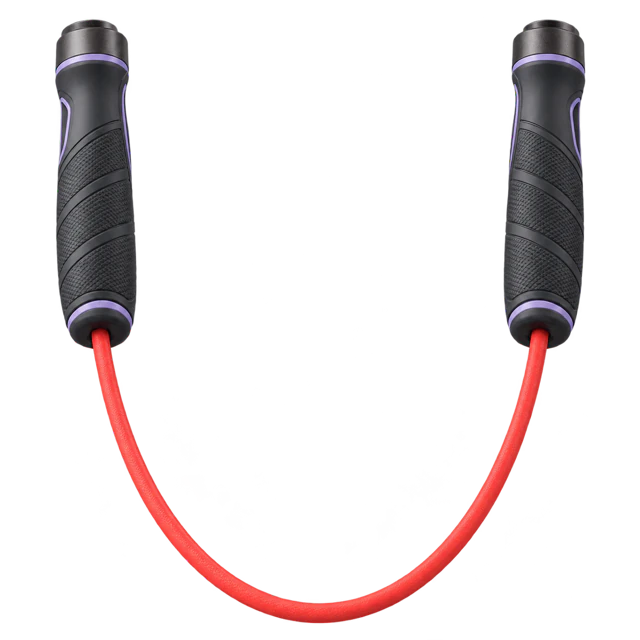
Eight rounds of 20 seconds of work and 10 seconds of rest.
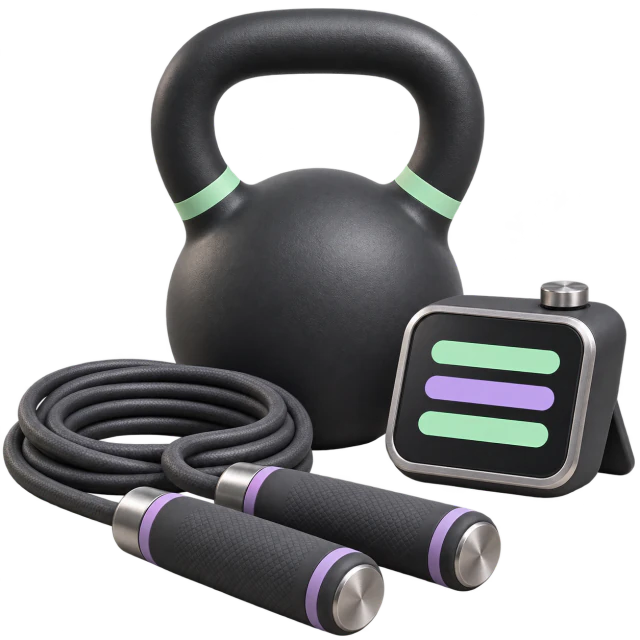
Chain different timer modes into one continuous session.
02 The iPhone app
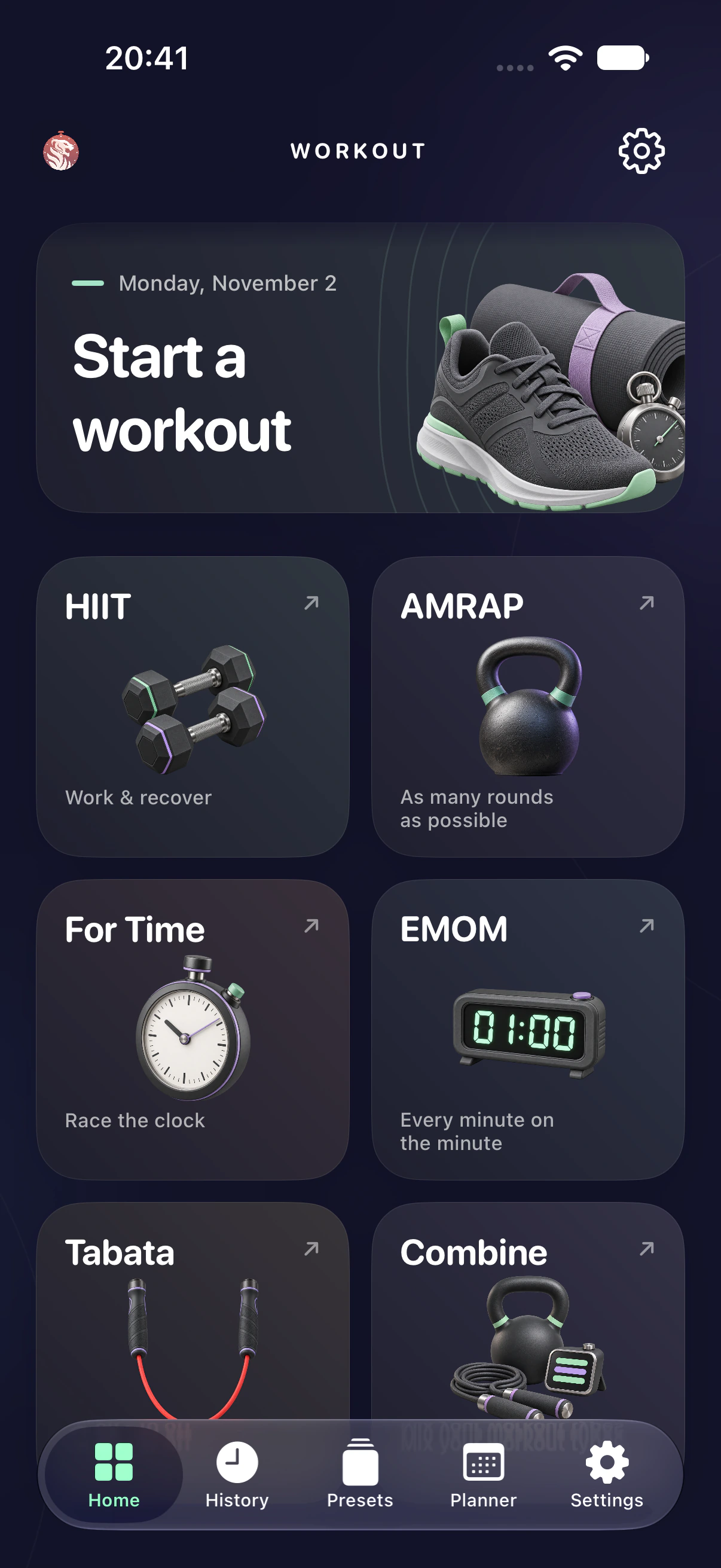
Choose a workout, start the countdown and keep your time and round in view.
Save a session and start it directly next time.
Schedule your next session and see your training week at a glance.
Review your past workouts and see how your results change over time.
03 Apple Watch · Lifetime access
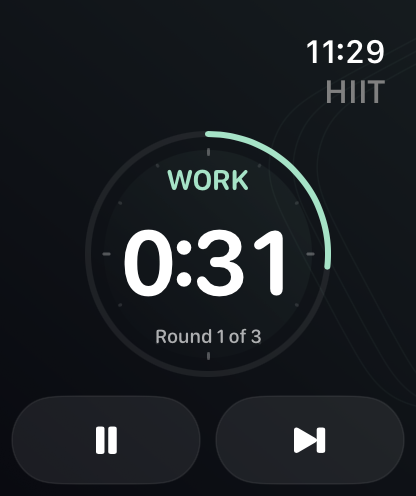
Start and control a workout on Apple Watch. Find the completed session in your history on iPhone.
Questions & answers