02 Timer modes
EMOM timer for iPhone
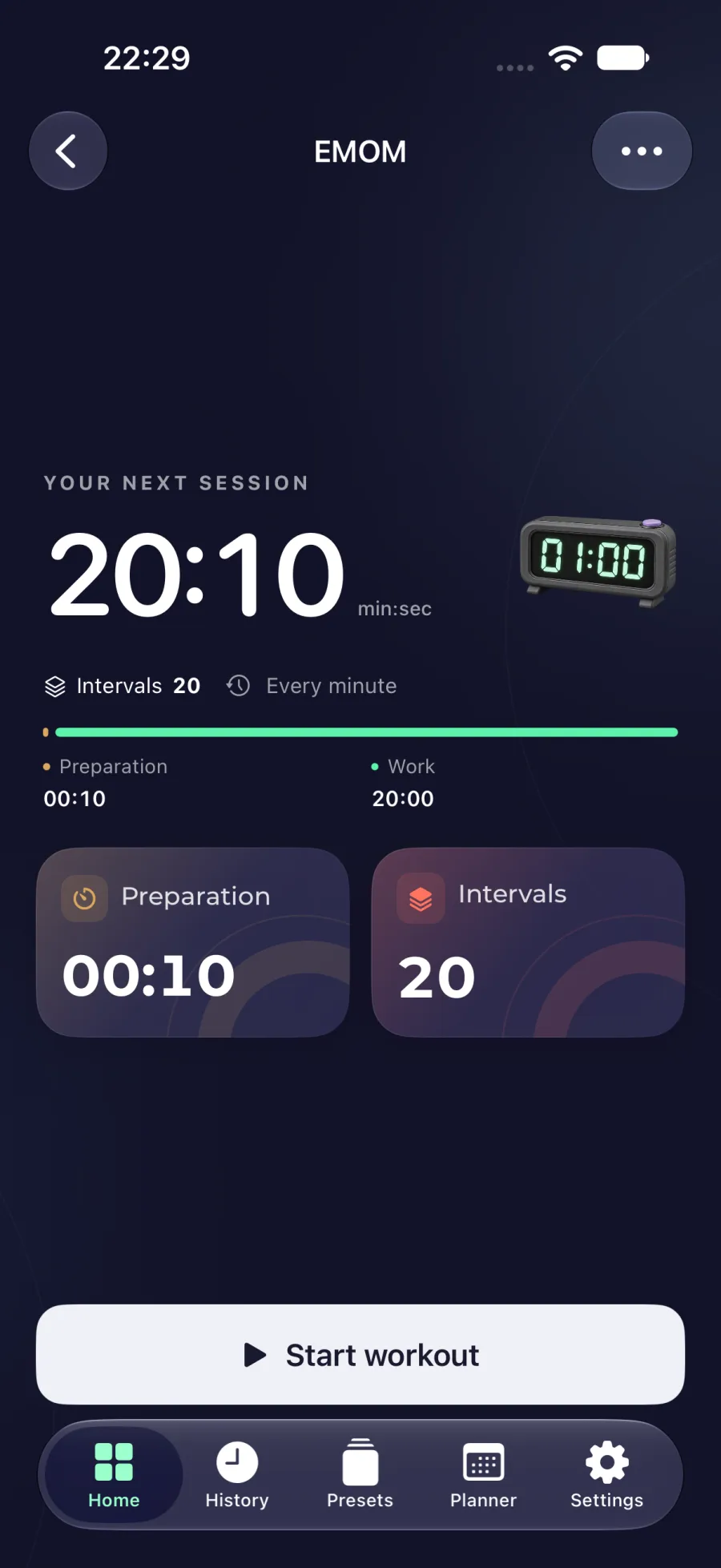
Start a task every minute. Rest for the time left before the next minute.

EMOM
Set up the timer
EMOM means every minute on the minute. Start the assigned task when a new minute begins. Once you finish it, the rest of that same minute is available for recovery before the next start.
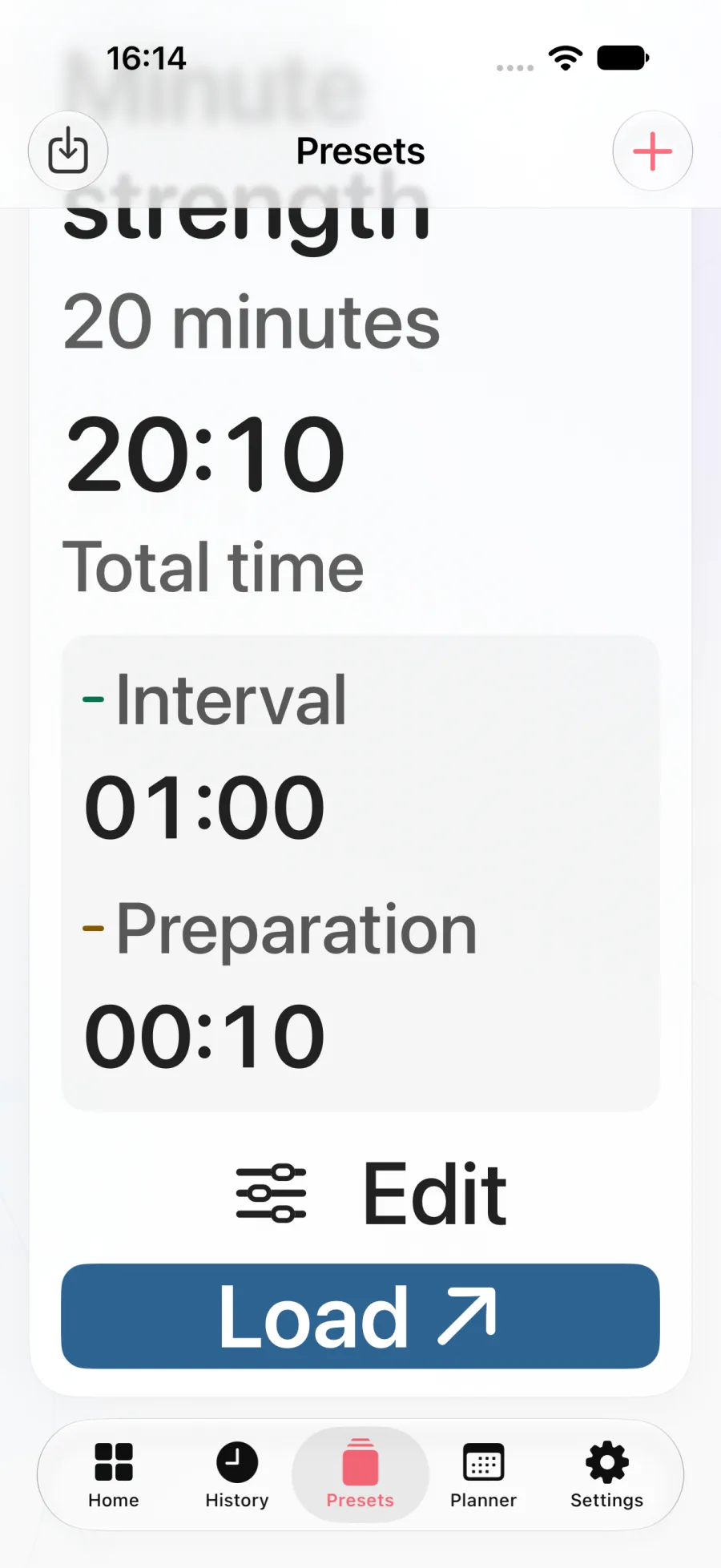
Set eight minute-long intervals. At the start of each minute, do six controlled squats. If they take 20 seconds, you have 40 seconds until the next start.